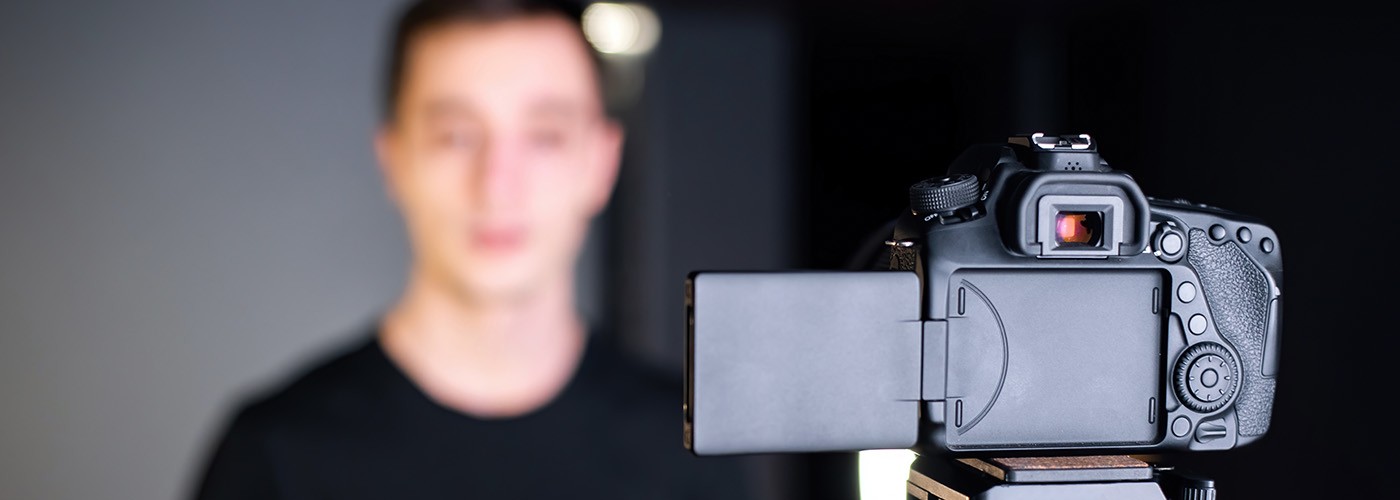
Once accepted into our Gap Program, students must submit demonstration materials to gauge level and potential in your chosen discipline. Please use the highest quality recording equipment available to you. For best results, place your recording device on a stationary object, such as a table. Please note that all videos will be used for scholarship consideration.
Please submit your demonstration materials as soon as possible following your application.
Start your recording device and state:
Your full name
The session you are applying for.
The date of your placement recording.
Performance requirements
Please prepare 60-90 seconds (or 32 bars) of a song from Musical Theatre or Pop/Contemporary repertoire and a 60-90 second monologue.
The song selection should demonstrate engaged storytelling performed with proficient pitch, tone, diction and vocal clarity.
The monologue selection should demonstrate a connection to the character’s emotional life, clear physical choices and a solid understanding of the text.
When you are finished with your demonstration materials, please announce that you have "reached the end of the submission," restate your name, and stop your recording device.
Please visit your Admissions Portal and click on the Demonstration Materials checklist item to view your submission form.
You must submit 1 video per piece. Videos need to be submitted as a hyperlink to a platform that can be accessed without login credentials
How to Create Shareable Video Link
Upload your video to Google Drive or Dropbox.
Generate a shareable link to the uploaded video.
Set the sharing permissions to ensure accessibility:
Google Drive: “Anyone with the link can view”
Dropbox: Create a view-only share link (no login required)
Confirm that the link works by opening it in an incognito/private browser window.
Submit the video link into the URL space provided on your form.